 Extrude lets you drag out shapes on the surface of a part. After activation you can either click on any area of the part you want to extrude or hold down the left mouse button to draw a custom area. After choosing an area arrows will shoot out of the part. Click and hold any of these to drag the surface out.
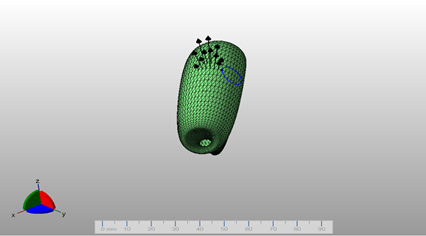
Chose the area you want to extrude, then drag it out by clicking and holding on of the arrows.