 This function is available in the context menu after right-clicking on the border edge of a hole.
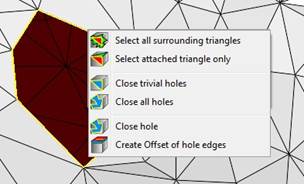
When you right-click on a border edge, you can create an offset of the hole.
By creating offsets of hole edges, triangles are inserted at border edges which lie in the same plane as the triangles adjacent to the hole edges. That way, for example, holes can be made smaller without closing them completely. In a dialog box you can insert the distance from the old border edges to the new ones.
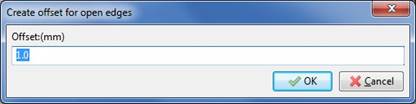
In this dialog, you can set the distance of the offset.
Then, triangles are attached to the edges of the hole. For each border edge and each corner point of the hole, another edge and corner are inserted at the distance you defined in the dialog. New triangles are placed, enlarging the existing plane of the neighboring triangle. New corner points are placed along the cutting line of the two new triangles.
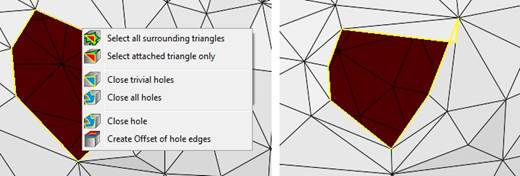
Left: The original mesh. Right: An offset with 1mm distance is created.
If one or more triangles on the part are selected, Netfabb creates only offsets along the edges belonging to these selected triangles.
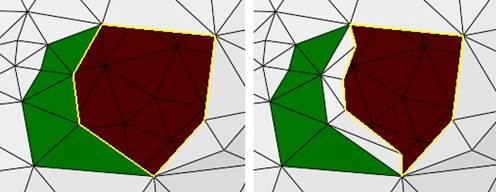
Left: Here, a few triangles are selected before creating the offset. Right: The resulting offset.