 Standard models are simple three-dimensional objects that are can be created with a few clicks in Netfabb. After clicking on the Part library icon in the toolbar or choosing the respective option in the Edit menu, the user can choose from a list of simple three-dimensional objects that can be selected with a double-click and inserted into the project. Although their basic geometry is already given, there are many parameters that can be specified in detail by the user.
That way, you can create a variety of parts. The settings can be saved as default setting for the primitive part by clicking on the button below. The button Load Default restores the default settings after the parameters have been changed. By clicking on Apply, the part is inserted into the project. In the following list, you can find a short description of each parameter:
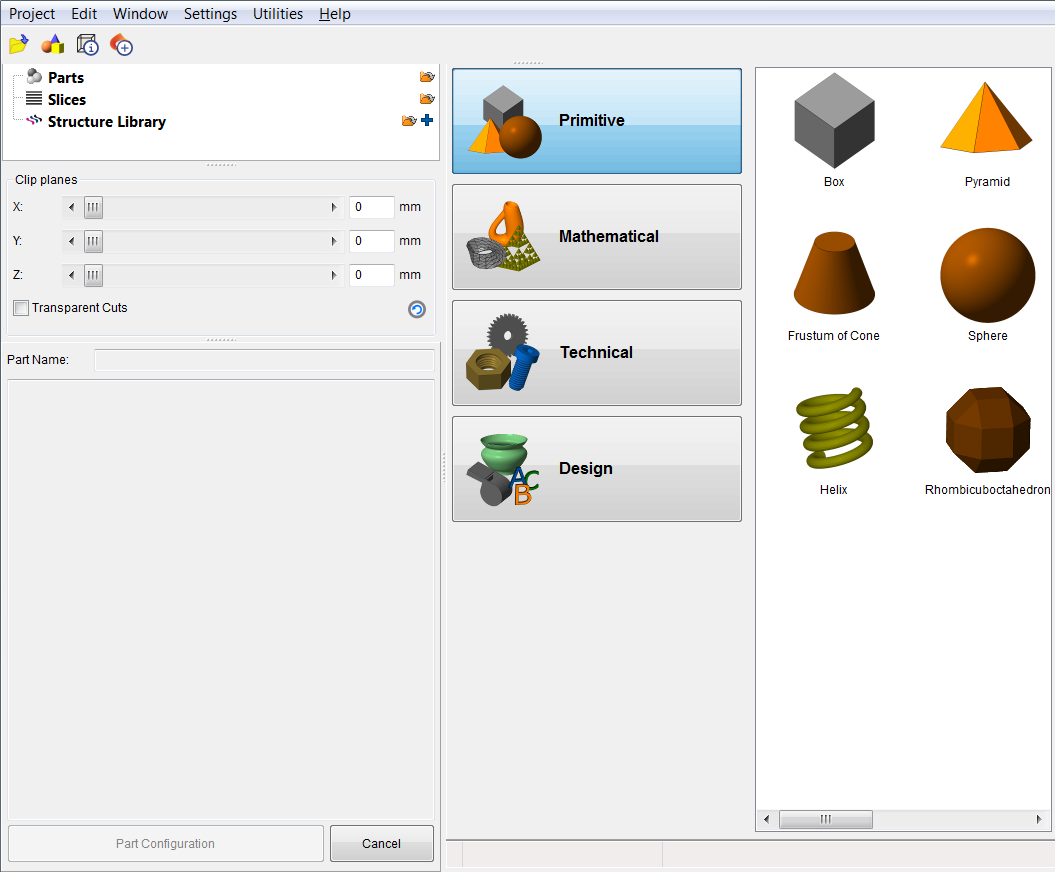
Choose a primitive in the main screen.