 Selected parts consisting of more than one shell are divided into several parts, with each shell becoming an individual part. The original parts can be either replaced by the new parts or left in the project. To check which parts consist of more than one shell, check it in the project tree. Parts with multiple shells have a small box at the top right of the color dot.
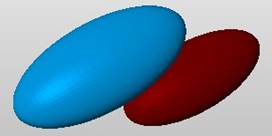
With Shells to Parts, the interior shell of a hollow part becomes an individual part and can be moved separately.