Create a new material by loading steel from the material library.
- Right-click on Materials and choose New.
- In the dialog, click on Select Material.
- The Material DB dialog will become populated with the available libraries. Click on Load Database.
- Browse to C:\Program Files\Autodesk\Nastran in-CAD 2016\Materials, select the NEi_Materials.sldmat file.
- The material tree is populated with the available materials. Under the
Titanium Alloys category, select
Ti-5Al-2.5 Sn Wrough Cast.
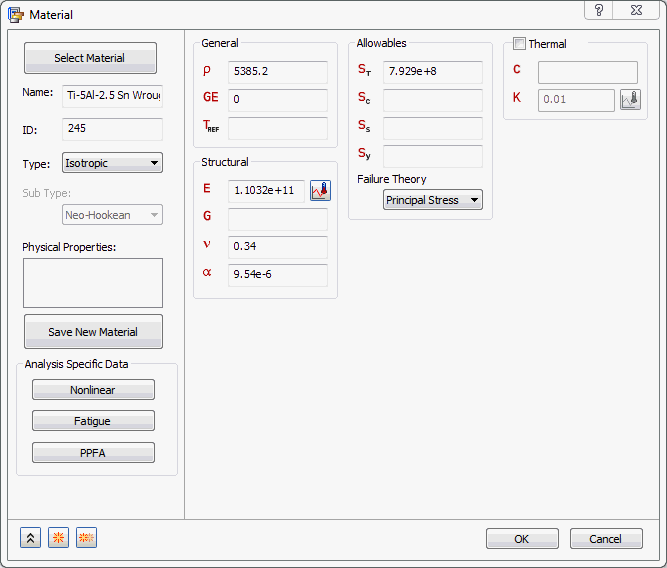
- Click Close to close the material database dialog.
- Click on
 New button.
- Browse to the location of the material library file and click on
Sheet Alloys category, then select
Sheet Cb+Ti.
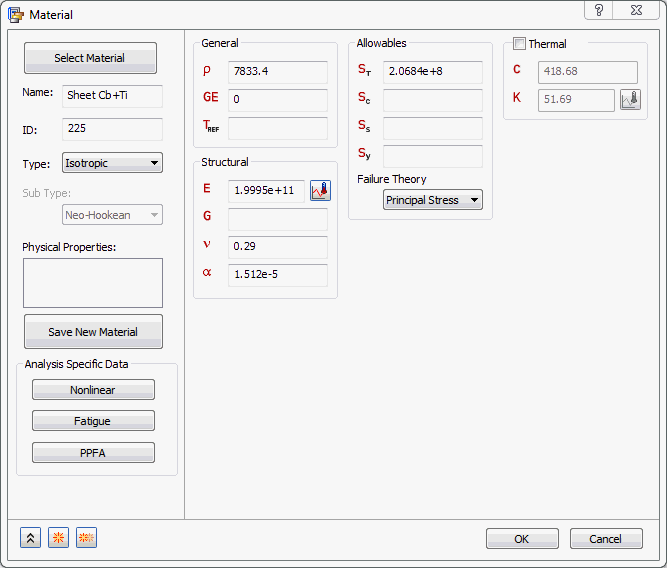
- Click on Nonlinear button.
- Select
Elasto-Plastic (Bi-Linear) radio button.
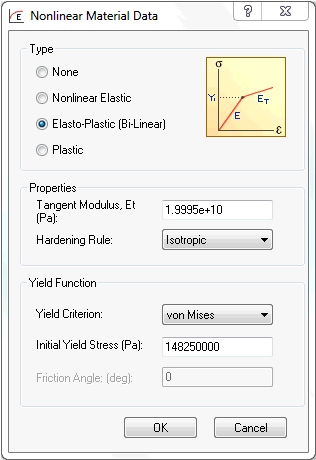
- Accept all the defaults and click OK buttons to create the material.