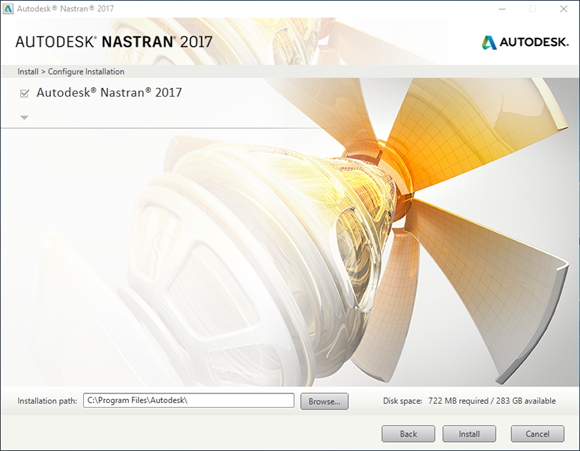
To successfully install Autodesk Nastran 2017, take into account the following:
- The install only works on Windows 7 SP1, Windows 8, Windows 8.1, and Windows 10 OS.
- You must have approximately 1GB of free disk space. A quick check prior to beginning the installation may save you some time.
Then follow the steps below:
- Log into your computer as Administrator.
- Install Autodesk Nastran by right-clicking on Setup.exe and selecting Run as Administrator on the installation DVD. If you are running the single file executable, you must first unzip the files on your computer.
- Click Install.
- Accept the License Agreement page.
- Click Next to continue with the installation.
- Click Install to start the installation.
- After installing the software, uninstall all versions of Adobe Acrobat Reader less than V7.0. This is required to access the online manuals.
- Download and install Adobe Acrobat Reader from http://www.adobe.com.