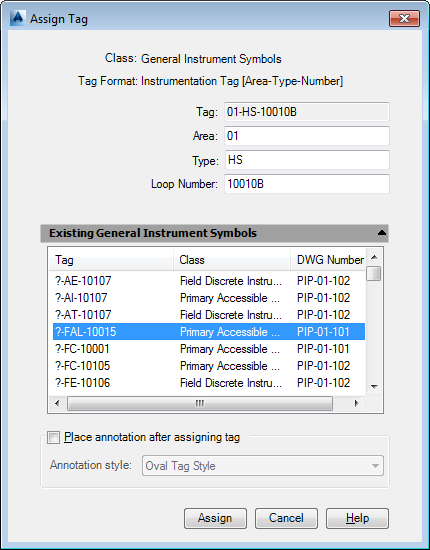
If your administrator has set up tag formatting, the Assign Tag dialog box displays when you add a component or line that requires a tag.
You add components and lines to a drawing from a ribbon or tool palette. If you do not know the tagging data at the time you insert a component or line, you can add the data to a drawing later by clicking Home tab  P&ID panel Assign Tag and clicking the component or line.