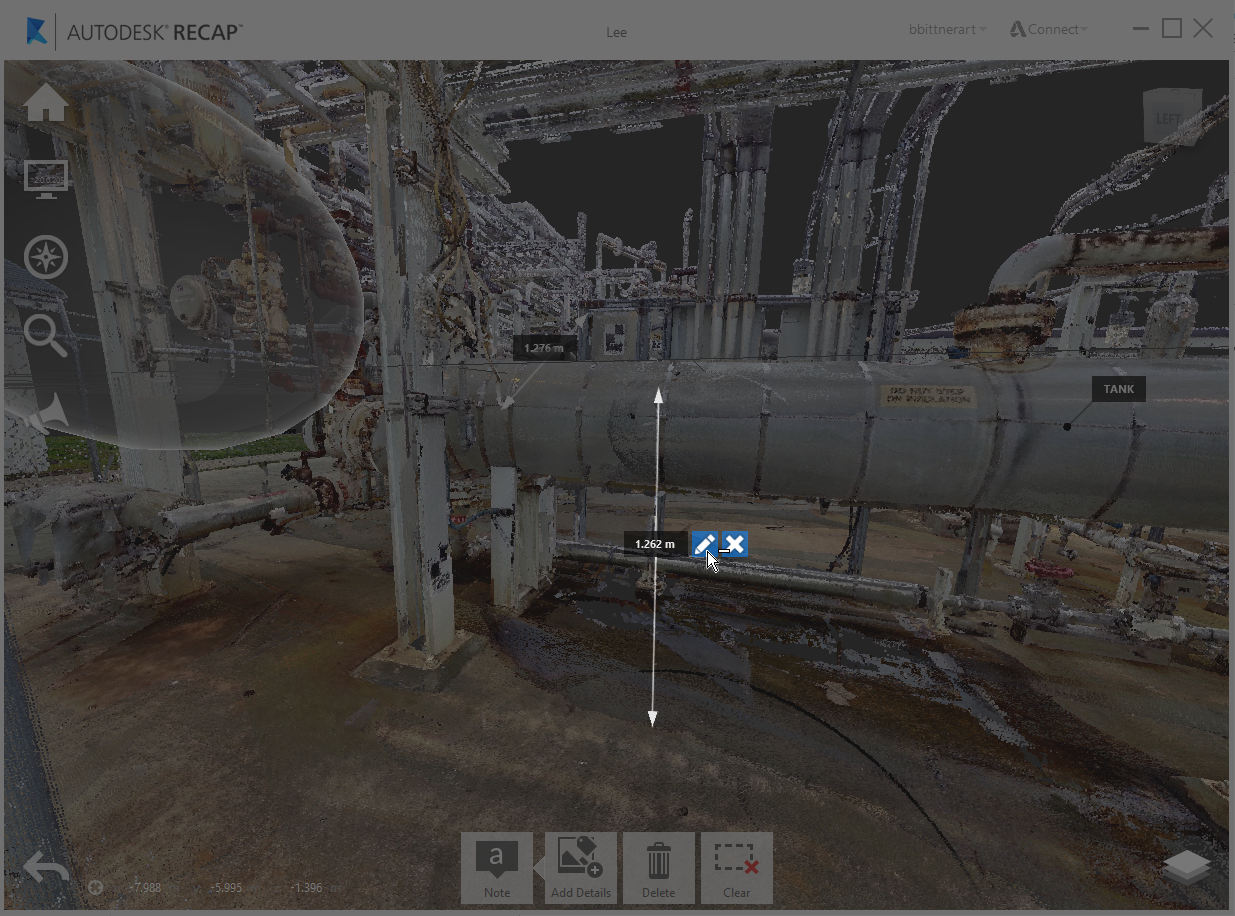
Any measurements, regions, markups, and selections created within ReCap 360, along with any general points within your project, can have notes assigned directly to them, allowing for a richer form of communication. Title and description text, along with image attachments, can be added to annotations at any point by selecting the "Note" tool either on the in-canvas object:
…or through its Project Explorer representation:
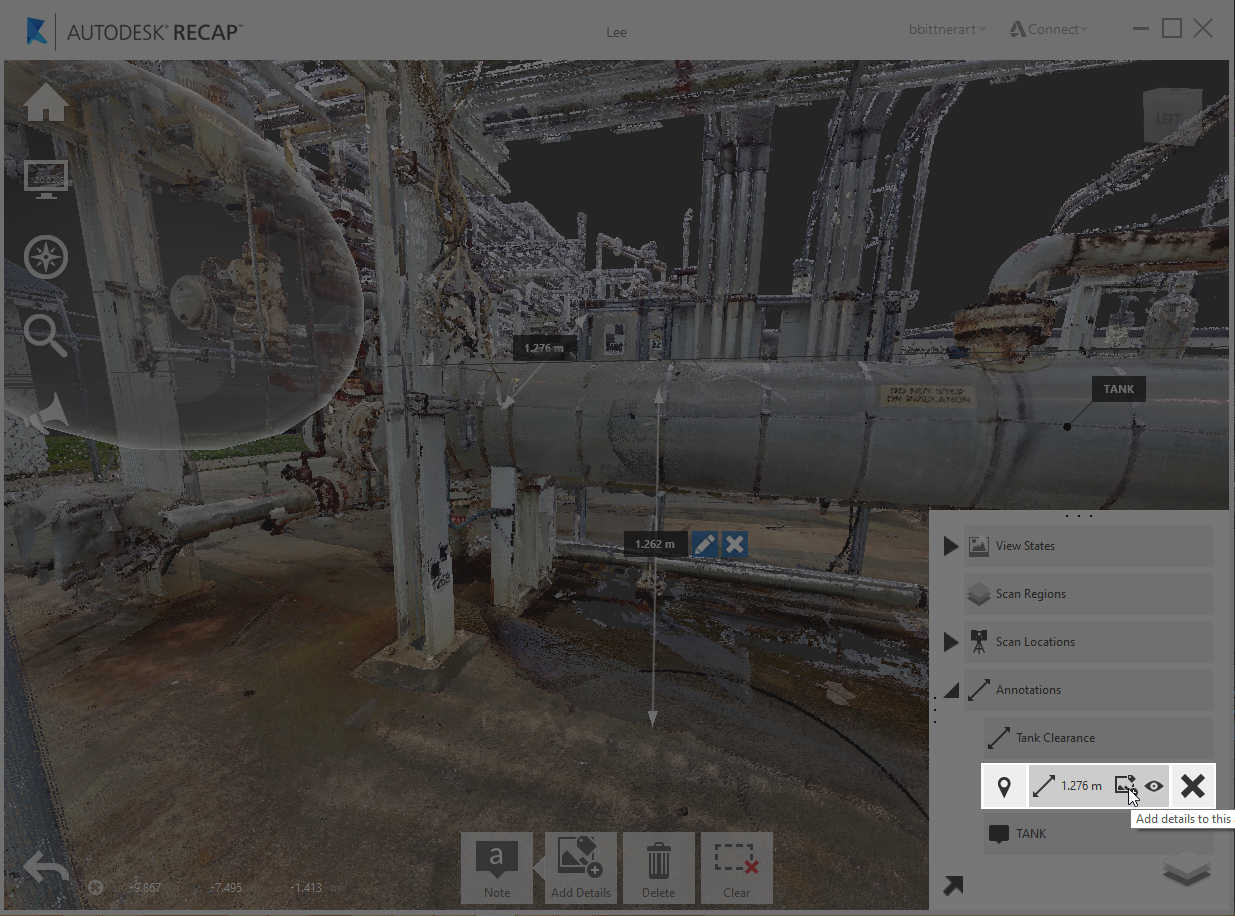
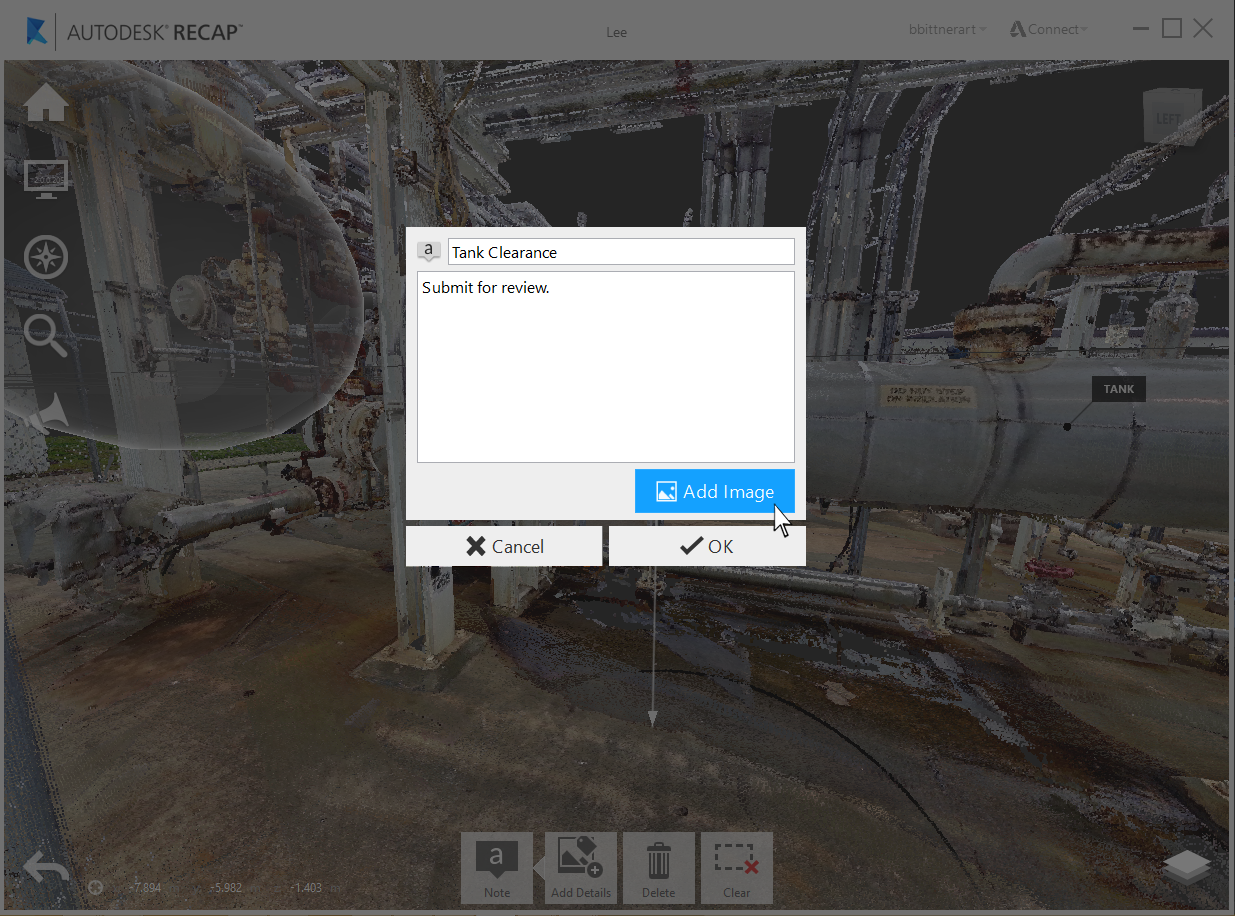
Image attachments can be added as a part of any note. Attachments have a limit of 7 per note.
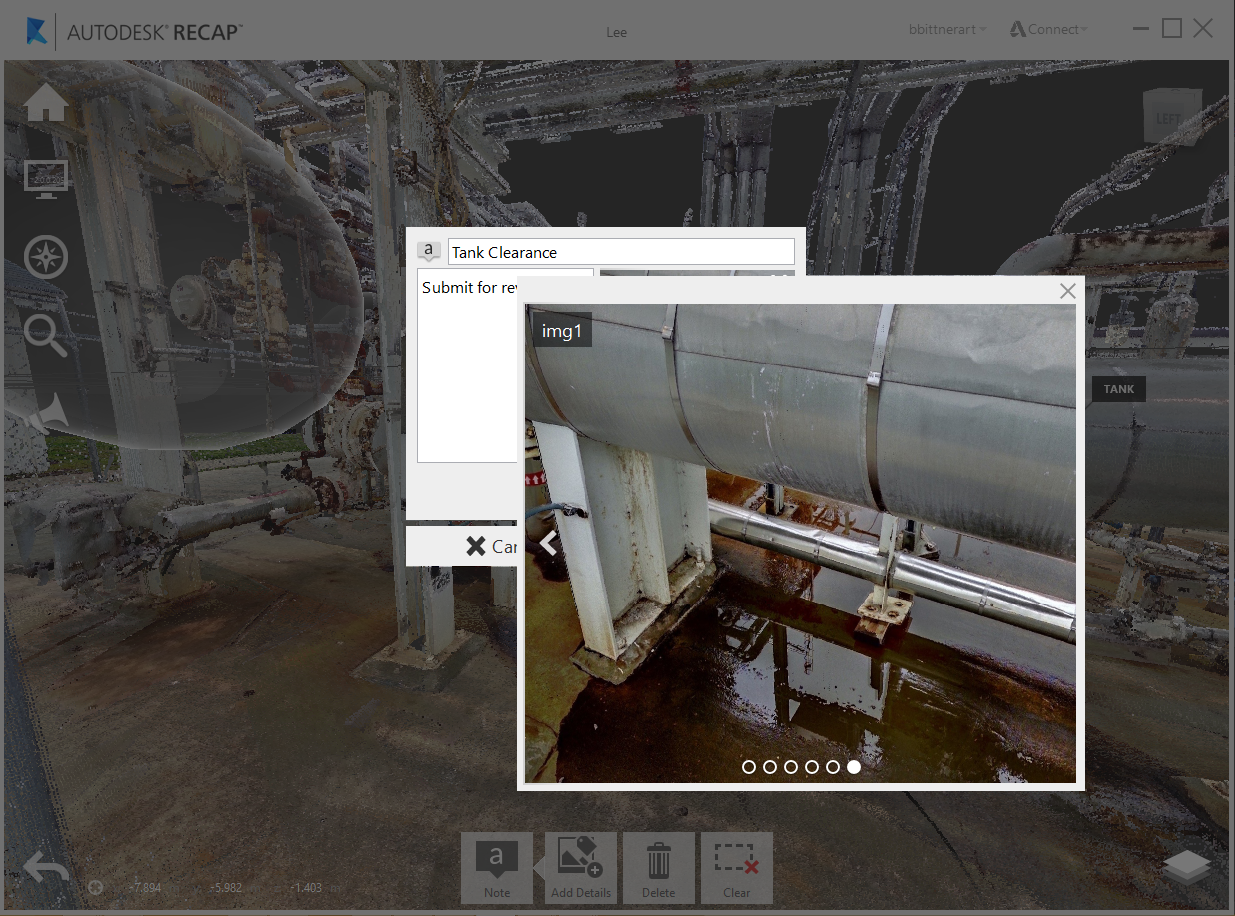
Once added, any attachments can be viewed through the thumbnail browser or preview window on-click.
Formats currently supported include: JPEG, BMP, PNG, & GIF.
You can create and edit notes that label the various measurements you create. When you don't need the notes or measurements, you can delete them or temporarily hide them through the "eye" icon. All of these options are available through the measurements in the canvas or from within the Project Navigator.