- Display the Material Editor.
Click Home tab
 Palettes panelDashboardMaterials.
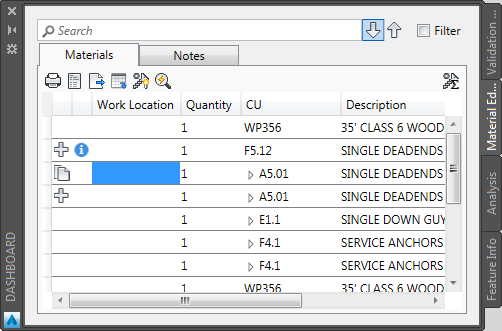
- Filter and sort the material list as desired.
- Do any of the following operations:
- Click Quick Print
 to create a printable view of the material list. In the report preview, click Print or save the list to HTML, text, or PDF format.
 - Click Reports
 , choose a report format, and then click OK. You can now print or save the list to HTML, text, or PDF format.
 - Click Export
 , provide a file location and name, and click Save.
- Click Quick Print