The Select New Profile Curve(s) dialog enables you to select curves to replace a feature's boundary curve when pasting it into the document:
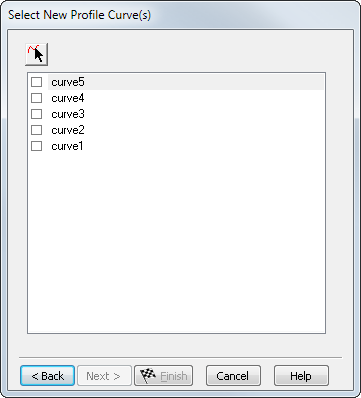
Select curves from the list that you want to replace the feature's boundary curve with, or click
Pick Curve
 and select curves or geometry in the graphics window.
Click Next to display the Paste Special - Reference dialog.