You can carry out 3D simulation with two different views at the same time, for example:
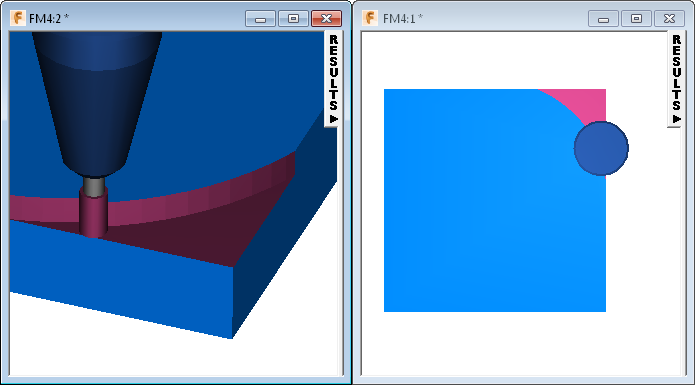
To use dual simulation for 3D simulation, follow these steps before you start the simulation:
- If the current window is maximized, click
Restore Down
 on the window's control bar (in the top-right).
- Select View tab > Window panel > New.
A new window is displayed in front of the original window.
- Select View tab > Window panel > Cascade > Tile Vertically to arrange the windows.
- Use one window to display a zoomed in detail view of an area, and the other window to display the whole view of the part.
- Play the simulation.
The simulation plays in both windows at the same time.