For a Boss feature, the toolpaths are laid in parallel lines across the stock and clipped against the boundaries of the Boss.
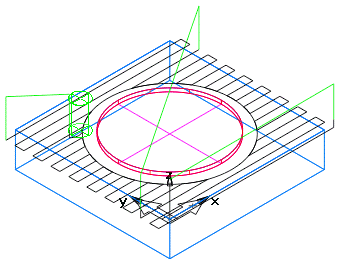
The starting point is one of the four corners of the stock. You can change the angle of the toolpaths, but the neighboring toolpaths are always parallel.
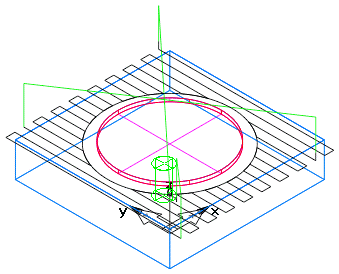
For a Pocket feature, the parallel toolpaths are laid inside the Pocket boundary.
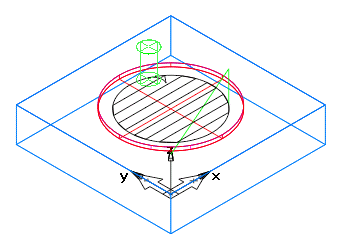
After the parallel paths, a clean-up pass is then performed around the boundaries of Bosses, Pockets, and Pocket islands.
The direction of the Zigzag path is controlled by the relationship between the Zigzag angle and the Climb mill attributes.
If the Bi-directional rough or the Reorder attribute is selected, the toolpath is reordered so that it completes one region before moving on to the next.
When roughing a Boss with the Zigzag method, the amount that the tool overlaps the stock boundary is controlled by the Finish allowance.
The Zigzag technique applies to a finishing pass only if the bottom of the feature is being finished. In this case, it behaves just like a single roughing pass.