In this example, Unidirectional is selected. After cutting the three holes in the first 'column', the tool then rapids back down to the bottom of the next 'column' to cut the next feature:
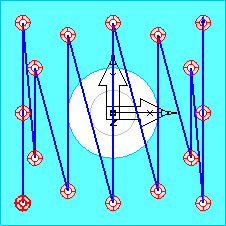
These rapid moves are a particular problem with long parts, when the machine can be accelerating and decelerating over long distances.
Selecting Bidirectional lets the tool cut in both directions, and results in fewer rapid moves, for example:
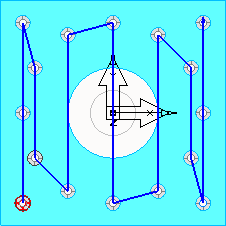
With this example, you can make the toolpath yet more efficient by entering a Location comparison tolerance:
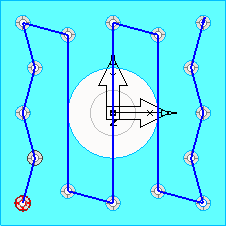
The tolerance lets FeatureCAM cut the next nearest feature, as long as it is within the tolerance.