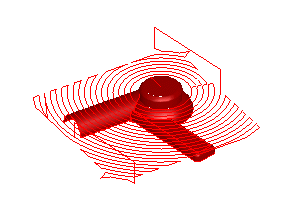
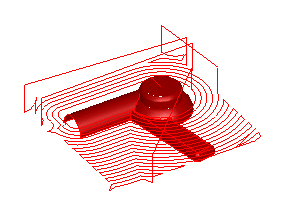
To display a single Z level of a Z-level rough or Z-level finish operation:
- Select Home tab > Simulation panel > Sim Mode > Centerline and click the Play button to simulate all of the toolpaths for your part.
- Click the Clear toolpath button.
- Select a Z-level operation in the
Op List tab. Click the arrow button to see all of the Z-level toolpaths for that operation.
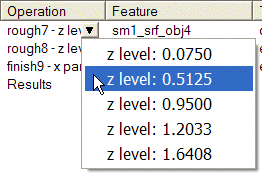
- Select a Z level from the menu to see the toolpaths for that Z-level.