This lets you graphically view which portions of the part are cut with which tool. After you run a 3D simulation, you can toggle this setting without re-running the simulation. This image shows an example of tool colors.
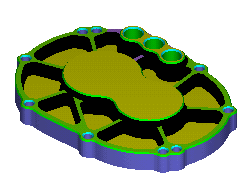
For centerline simulation this option displays each tool in a different color during the simulation.
Tip: You can change the color at any time during a simulation by selecting Home tab > Simulation panel > Next Tool Color.