After you have created and simulated the toolpaths, you must save the toolpaths as machine-specific files so you can export the data to the CNC machine tool.
To save all toolpaths within a model:
- In the Project Tree, select the Toolpaths item. The Toolpaths panel is displayed.
- In
Toolpath Operations area, click the
Save Toolpaths
 button. The
Save Toolpaths dialog is displayed, for example:
button. The
Save Toolpaths dialog is displayed, for example:
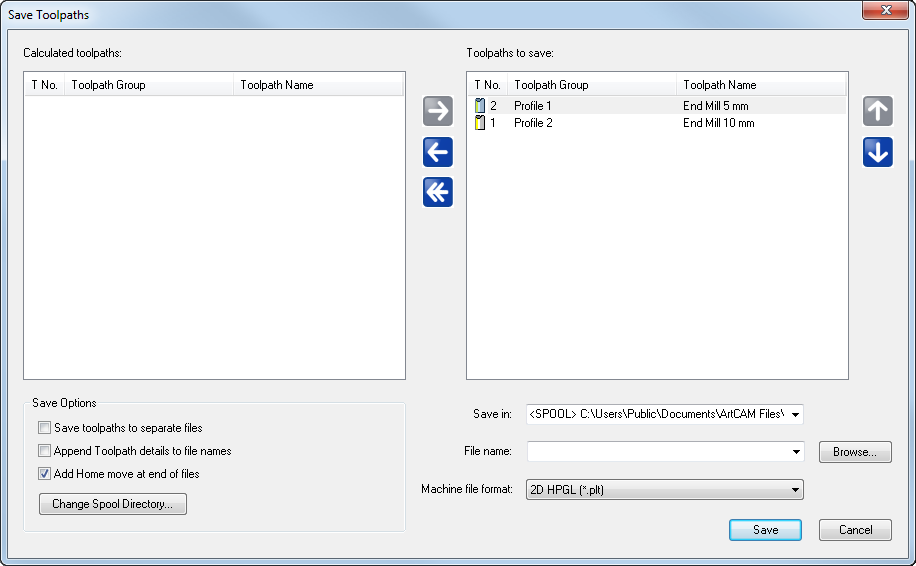
- Use
 and
and
 to order the toolpaths.
- Specify the folder in which you want to save the file:
- Click Browse. The Browse dialog is displayed.
- Select the folder.
- Click Open. The dialog closes and the path is displayed in the Save in box.
- Enter a File name.
- In the Machine file format list, select file type for the machine tool.
- Click Save.
- Close the dialog.