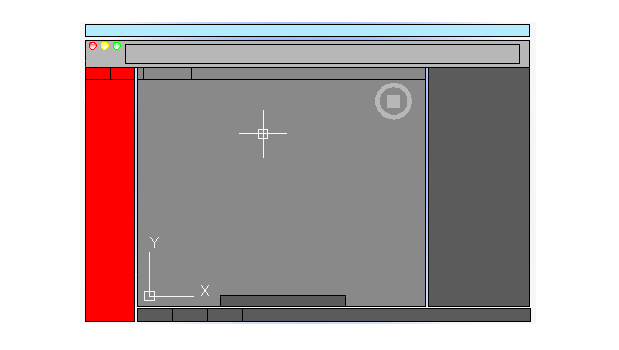
The Tool Sets provide efficient access to AutoCAD commands.
Tool Sets
Select the Tool Sets tab to display a set of commands based on your current tasks. For example, clicking the Modeling tab replaces the commands in the Tool Set with commands associated with 3D modeling.
Cmd-1 turns the Tool Sets on and off.
Tool Set Panels
The tools on the Tool Sets are organized into tool panels.
- Click
 to display the list of commands available for a standard tool panel. Check the commands you want to display on the tool panel.
Note: For a custom panel, the interface for adding and removing commands opens.
to display the list of commands available for a standard tool panel. Check the commands you want to display on the tool panel.
Note: For a custom panel, the interface for adding and removing commands opens. - Click
 (located at the bottom) to create a custom tool panel.
- Click
 (located at the bottom) to change the panel order.
Tool Drop-downs
Some of the tools on the Tool Sets have a drop-down indicator.
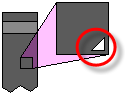
Click and hold the drop-down to display the commands.