You can use Resize Floor to manually change the floor size by dragging the borders. When you click Resize Floor, grips display at the corners and midpoints of the floor edges.
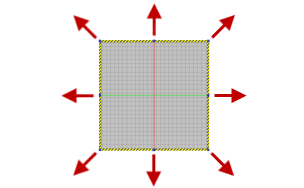
The new floor size is saved in the Options Editor dialog box. If Auto Size is enabled, Resize Floor updates the minimum floor size.
Use Resize Floor to change the floor size by dragging the borders.
- Click
Factory tab
 Utilities panel
Resize Floor
Utilities panel
Resize Floor
 .
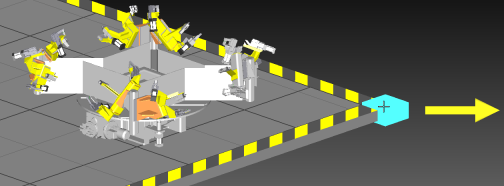
. - Grips display at the corners and midpoints of the floor edges.
- Drag a grip to change the floor size. The minimum floor size is 10 meters by 10 meters.
- After sizing the floor to your satisfaction, press ESC to exit the command.