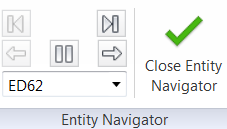
You can now query CAD entities and mesh entities and use an Entities Navigator to go through each queried mesh or CAD entities.
The query entity enhancement mainly focuses on two areas:
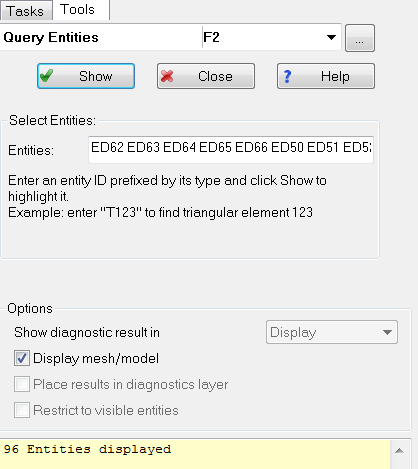
- Besides mesh related entities such as tetras, triangles, nodes, and beams, the Query entities Tool now also supports CAD entities, such as bodies, faces, and edges.
- An Entity Navigator has been added to navigate among the entities being queried out.
Query Entity Dialog
To access this panel, click
 ().
().
().
You can now find and highlight CAD entities by IDs.
When a CAD entity is entered, the query result is highlighted and displayed as texts, in the same way as for mesh entities.
Note: The
Place results in diagnostics layer option is available for mesh entities only.
Once the Entities field is filled in, click Show to open the Entities Navigator in the ribbon.
Entities Navigator
The Navigator highlights the entities and allows you to navigate them. Click the arrows to move to the next entities. You can also click an item in the navigator drop-down list, then the selected entity is navigated and highlighted.