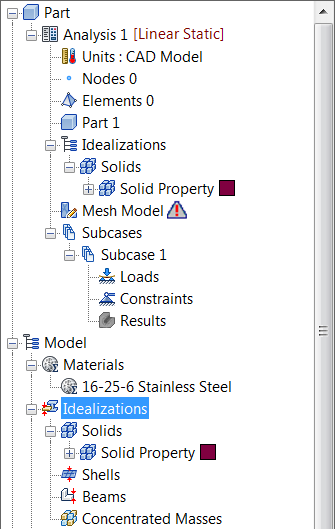
- In the
Model tree, under
Idealizations, check for any existing definitions under the standard categories, such as
Solids and
Shells. Solid 1, shown below, is an example of an existing definition:
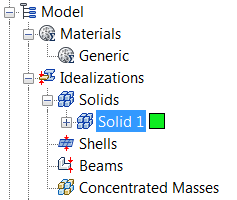
If there are any existing definitions, right-click . Doing this ensures that you won't have unwanted materials appearing in the part mesh and participating in the analysis.
- In the Model tree, under Idealizations, right-click Solids and select New.
- In the
Idealizations dialog, type
Solid Property
for
Name, select
Solid Elements under
Type, and ensure that
Material is set to
16-25-6 Stainless Steel.
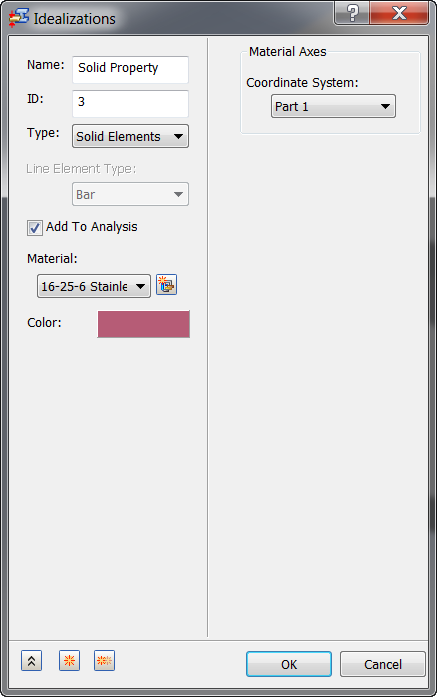
- Then click OK. Solid Property is added to the Idealizations list.
- The tree view should now look as shown below.