- Right-click on Mesh Model and select Edit.
- Change the
Element Size to
0.15.
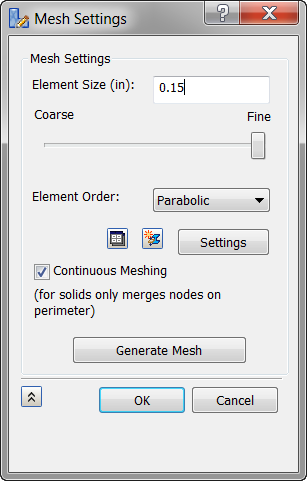
- Click
Generate Mesh and then click
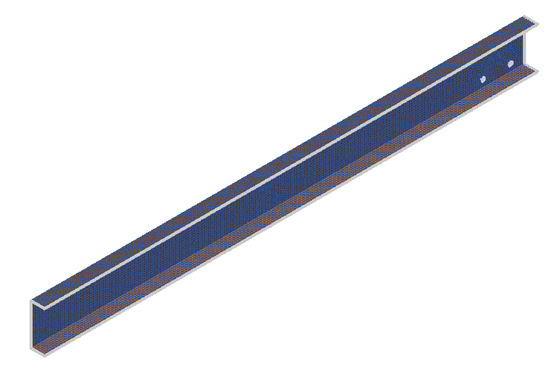
OK. The model should look as shown below.
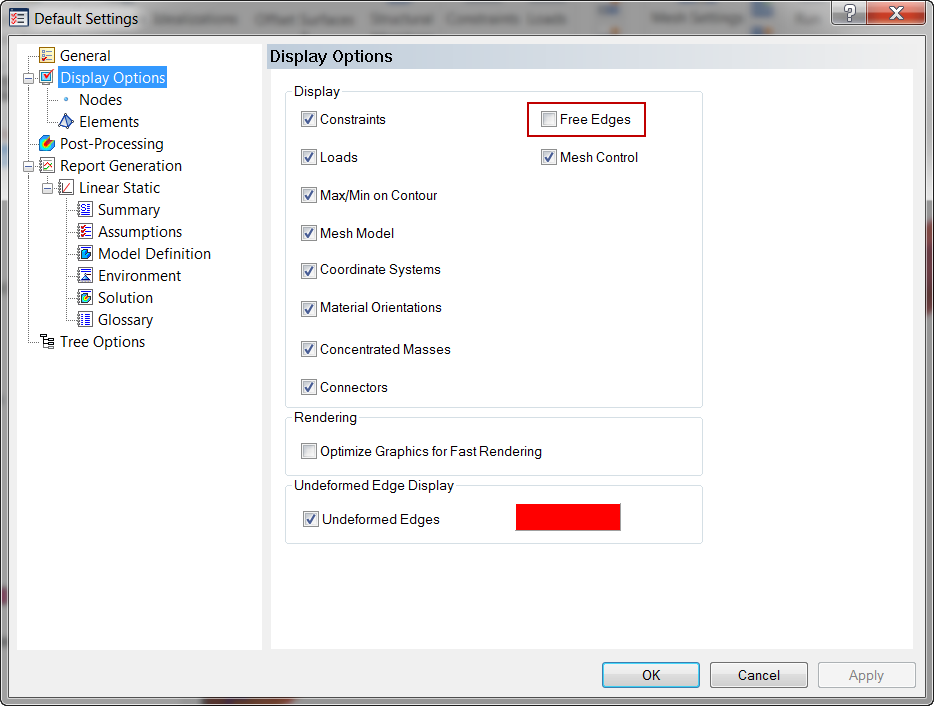
 To remove white color edges, go to
Default Settings
To remove white color edges, go to
Default Settings
 , then
Display Options, and uncheck
Free Edges.
, then
Display Options, and uncheck
Free Edges.