- In the tree view, right-click on
Manifold Analysis, and choose
Duplicate. This will create a copy of the analysis with the name as
Manifold Analysis - Copy.
- Now,
Manifold Analysis - Copy tree is in active mode. Under
Subcases left-click on
Subcase 1 to select the name, and rename it to
Subcase 2. Remove the
Initial Temperature load from
Subcase 2 as it is not required for a thermal stress analysis.
- Right-click on
Manifold Analysis - Copy and choose
Edit.
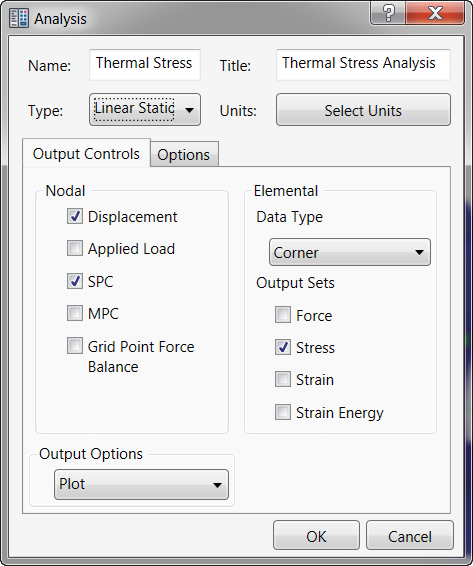
- Enter
Thermal Stress
for
Name, and type
Thermal Stress Analysis
for
Title. Change the analysis
Type to
Linear Static from the drop-down menu.
- Click
OK.
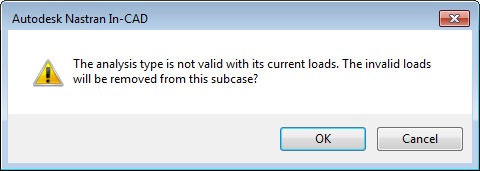
- All thermal loads will be removed from the analysis as they are not related to the linear static analysis. However, the
Initial Temperature had to be removed manually.
- Click
OK in the following message window.