The Vault Add-In for Pro/ENGINEER includes its own version of the Vault Autoloader.
The program is installed here: C:\Program Files\Autodesk\Data Management Applications\Autodesk Vault Pro <year> ProE AddIn. This version of the Autoloader supports specific Pro/Engineer file relationships and must be used to correctly load Pro/Engineer and Creo data. Not all functionality is supported for Pro/Engineer.
Load Pro/ENGINEER Files into a Vault
- Start Autoloader for Pro/ENGINEER.
- Make sure that Autoloader connects to Pro/ENGINEER.
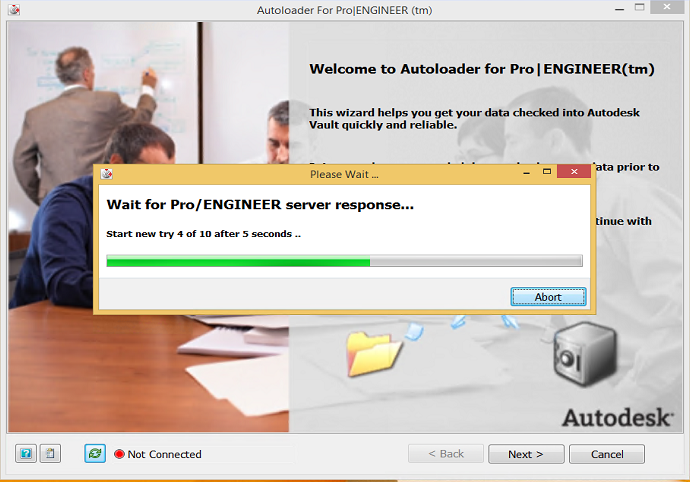
- Connection status is displayed in the bottom left corner of the Autoloader dialog.

- From the bottom left corner, hit refresh to attempt connection.
- See Configure User Preferences if there are errors connecting to Pro/ENGINEER.