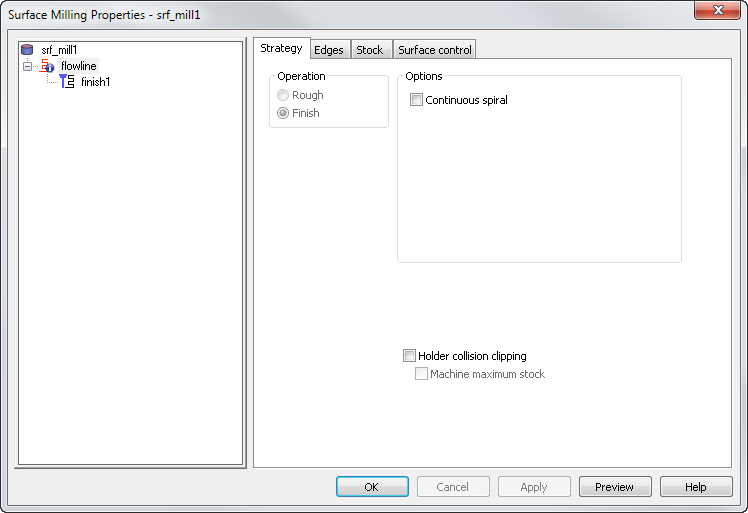
Continuous spiral — Enable this option to stop the tool lifting from the surface when machining.
Holder collision clipping — Clips the toolpath where the holder or shank collides with a part surface, check surface, or unmachined stock. When selected, the Holder clearance and Shank clearance attributes are displayed on the Milling tab for the operation.
Machine maximum stock — Use with Holder collision clipping to machine the stock as close to the part without causing a holder collision. This creates smoother toolpaths with fewer retracts, which can improve the surface finish and reduce the machining time, but may cause increased air cutting on some parts.