Use the Location tab of the Feature Properties dialog to specify the location of a feature.
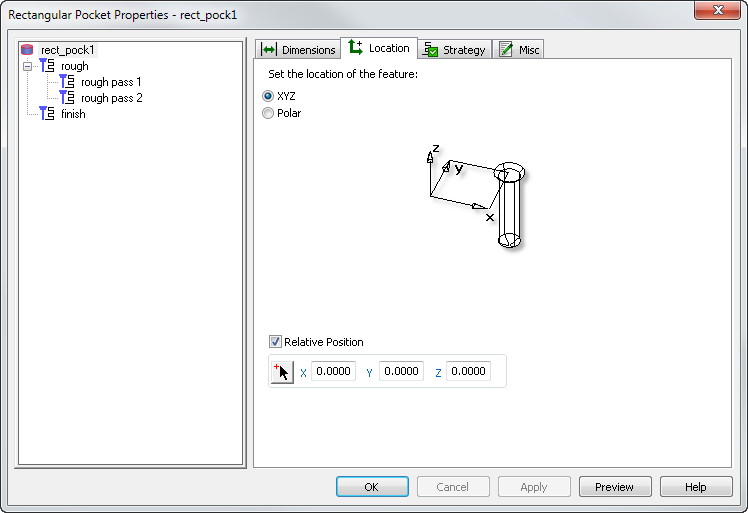
- XYZ — The feature is aligned so that its depth is parallel with the -Z direction of the Setup. You position it by specifying the X, Y, and Z coordinates in the plane of the Setup.
- Polar — The feature is aligned so that its depth is parallel with the -Z direction of the Setup. It is positioned by specifying a Radius and Angle.
- Polar on the OD — The Radius specifies the distance of the feature from the Z axis. The Angle is the counter-clockwise angle, in degrees, from the X axis. The Y shift distance is the distance the feature is translated from the radius in Y. The Z coordinate is the distance the feature is translated in the Z direction. This option is available only for turn/mill documents.
- Radial about axis — For 4th-axis parts.
Specify the location of the feature:
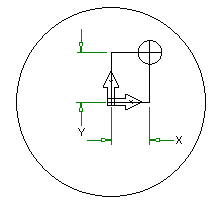
Relative Position — This sets the XYZ coordinates relative to the UCS (or Setup origin). If deselected, the coordinates are relative to the World Coordinate System.