The first page of the Stock wizard is the Dimensions page. Use this page to set up the shape and size of your stock.
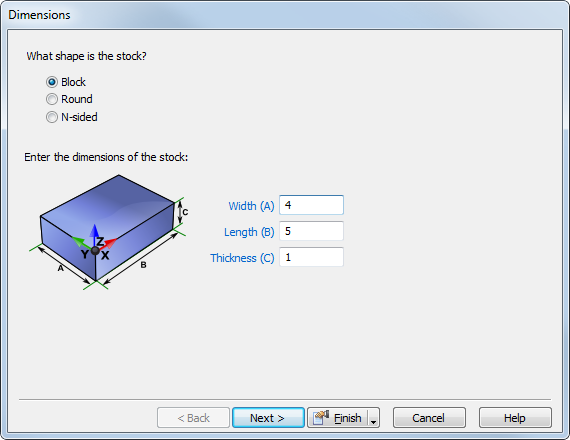
To complete this page:
- Select the stock shape.
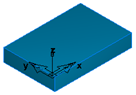
- Block — Enter the
Length (X dimension),
Width (Y dimension), and
Thickness (Z dimension).
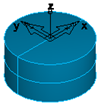
- Round — Select the Axis and enter the Length, OD (outside diameter). If you are working with tube stock, enter a positive number as the ID (inside diameter).
- If
wrapping or
indexing, the axis must match your index axis.
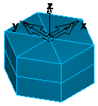
- N-Sided — Enter the
Axis, the
OD (outside diameter), the number of
Sides, and the
Length of your stock.
Note: If you want to use a Curve or a Solid to define the stock, use the Stock Properties dialog. - Block — Enter the
Length (X dimension),
Width (Y dimension), and
Thickness (Z dimension).
- For
Swiss Turning documents, specify the swiss turning options:
- Working Part Length — Enter the initial working length of the part that is exposed past the main chuck. This is often the finished part length, or a fraction of it if rechucks will be performed.
- Face Allowance — This value is passed to the post for initial chucking. Select Use Face Feature to find the face allowance from the Face feature. If there is no Face feature, deselect Use Face Feature and enter a Face Allowance.
- Click Next to display the Stock - Material page of the Stock wizard, or click Finish.