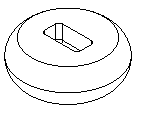
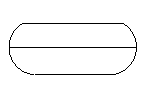
The first image shows a solid model. Initially, the side of the part is a single surface. As a first step in creating two mold halves, we would like to split the side face at its widest part. The second image shows the silhouette curve for the solid.
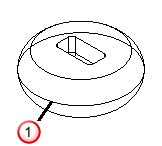
 Silhouette curve
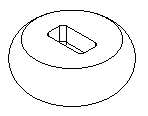
In the Silhouette Curves dialog, you can also use the calculated silhouette curves to split the faces of the solid. The figures below show that the side face is now split into two separate pieces along the silhouette curve.