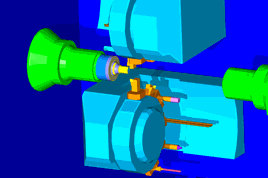
If you are using graphics hardware for OpenGL shading you can display shadows in your simulation. The image shows an example of shadows displayed when using machine simulation.
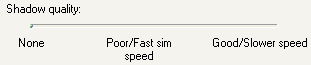
The quality of the shadows is controlled by the Shadow quality slider on the Simulation > 2D/3D shaded page of the Options dialog. If the slider is dragged all the way to the left to None, then shadows are turned off. As you drag the slider to the right the quality of the shadows improves. Be aware that this option can slow down the simulation.