Use
Show Deviations
 to see the difference between the original and sculpted models when using the editing tools.
- Select a mesh.
- Click Mesh Tools tab > Triangles panel > Sculpt to display the Sculpting toolbar.
- Select the
Add Material
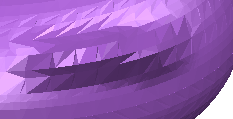
 option and move the mouse to add material to the mesh:
- Select the
Show Deviations
option to see the difference between the original and the sculpted model. The analysis scale enables you to see the percentage of material that you have added to the model:
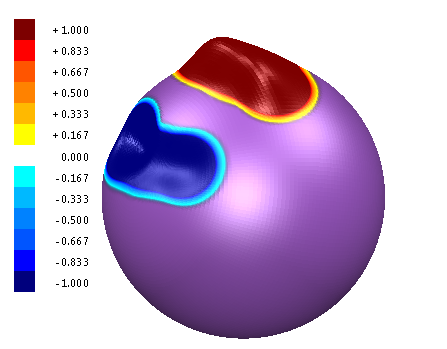
Alternatively, select Show Deviations
before adding the material to see the dynamic changes.