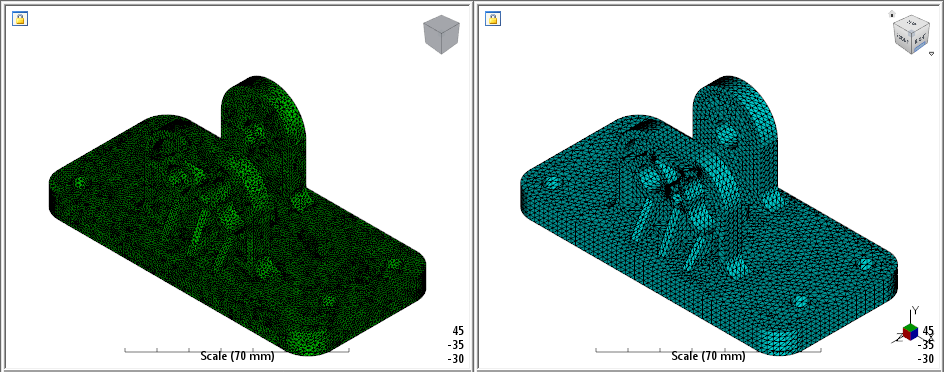
Our next step is to pair the Moldflow study of the pedal base with the corresponding part in the structural assembly.
- Click
 ().
().
- When the Part Mapping dialog appears, locate the base.sdy file. Once selected, you will see a preview of the pedal base geometry that you can use to verify the correct part was chosen. Click Continue.
- After you select the new study file, you will see a preview of the structural assembly in the Structure Mapping dialog. Select the body labeled Material 2 and click OK.
- Click OK to pair the models.
- Click Yes when prompted to use the automatic alignment tool.
- Click Accept after the automatic alignment tool aligns the two bodies.