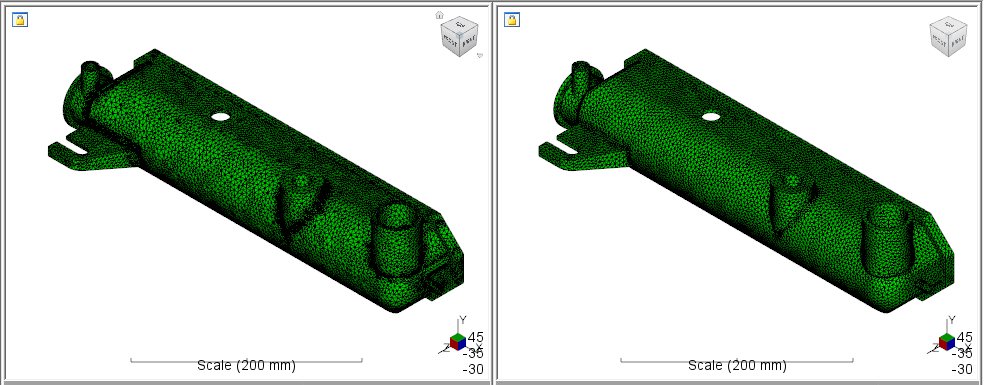
Now that we have setup our structural model with Nastran In-CAD, we are ready to use Advanced Material Exchange to pair the Moldflow model with our structural model.
- With
Advanced Material Exchange open, click
 ().
().
- When the Part Mapping dialog appears, locate the radiatortank.sdy file. Once selected, you will see a preview of the tank that you can use to verify the correct part was chosen. Click Continue.
- Locate the radiatortank.nas file. Click OK.