Import the model of the radiator tank into Inventor.
- Open Inventor.
- Click and locate the radiatortank.ipt file.
- Click Open.
- Click
 . The radiator tank model is pre-defined with a mesh, fixed boundary conditions, and a pressure load.
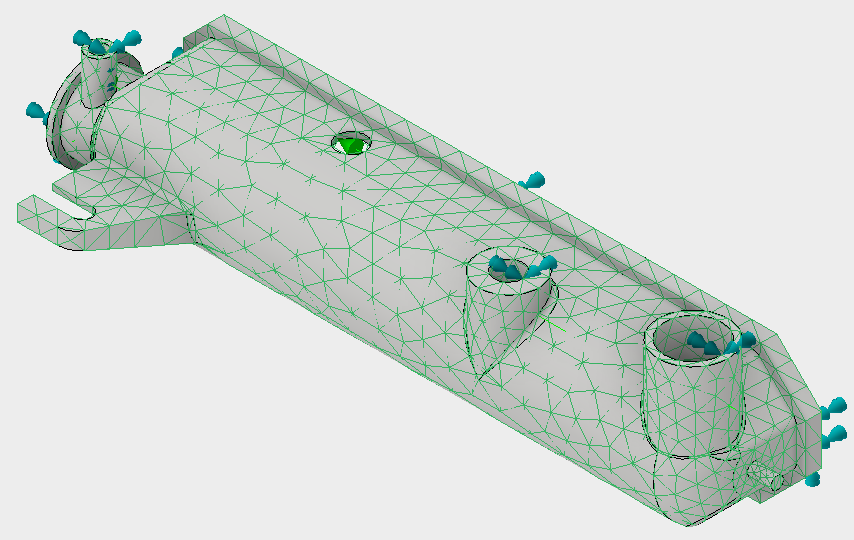
Import the model of the radiator tank into Inventor.
. The radiator tank model is pre-defined with a mesh, fixed boundary conditions, and a pressure load.