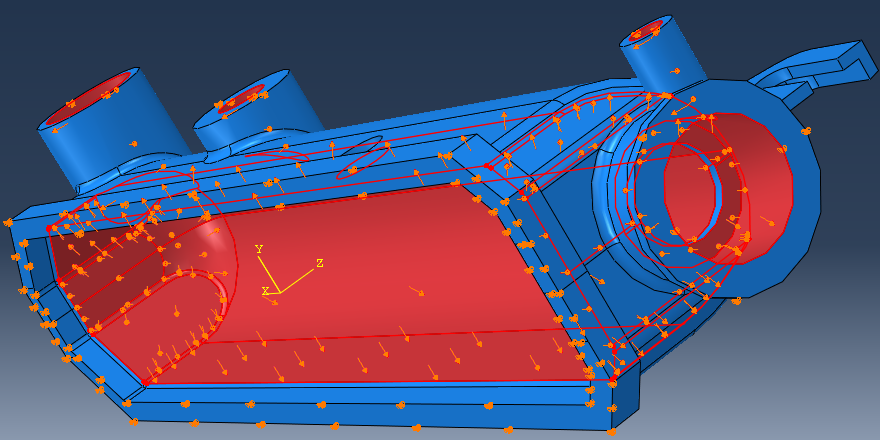
We will load the radiator tank by applying an internal pressure of 1.50 MPa.
- Create a new load ().
- Name the load Pressure and specify Load_Step as the step.
- Select Pressure from the list of load types and click Continue.
- From the viewport, select all surfaces on the inside of the tank and click Done.
- Set the Magnitude of the pressure to 1.50 and click OK.