A model of the radiator tank has been created for ANSYS Workbench and ANSYS Mechanical. To begin working with the model:
- Open the Workbench project file
radiatortank.wbpj.
Note: Ignore the warning about the missing files
- Right click Model in the Static-Structural analysis system and choose Edit. This will open the model in ANSYS Mechanical.
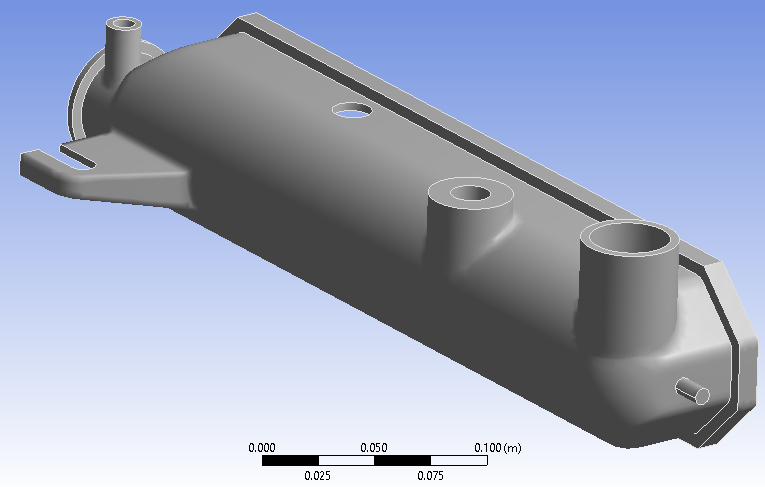
At this stage, only the tank geometry and the mesh have been created.