Search and mark connections in the model by their approval status.
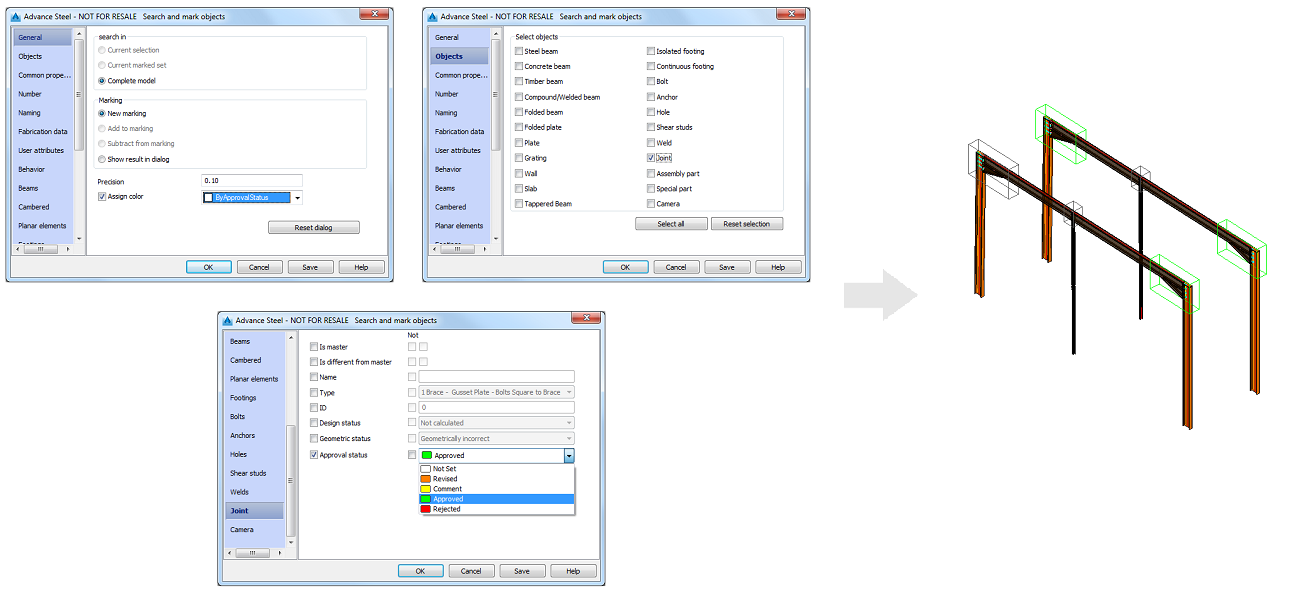
The Search and mark objects dialog has options that allow you to mark connections according to their approval status or search by approval status.
Each approval status has a different color assigned to it and after searching for the desired connections, the results will be highlighted in the model with the specific approval status color:
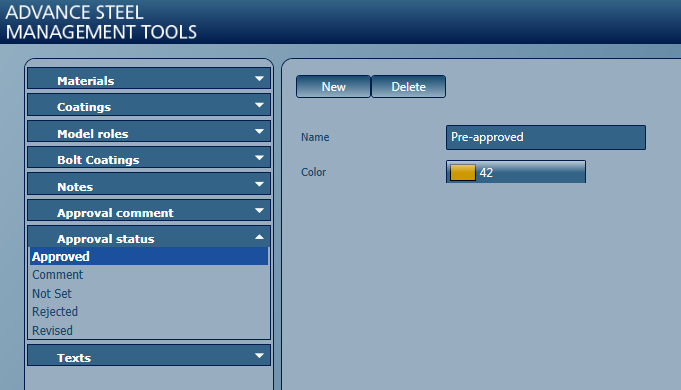
Note: You can add custom approval status entries, using Management Tools. These new entries become available for use in Advance Steel models, in:
- Object properties
- Connection properties
- The Document Manager, for detail drawing status