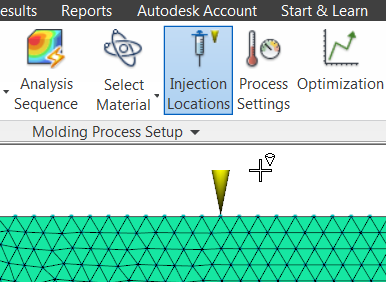
Set injection locations for the master barrel from the Home tab, then set locations for the sub-barrels from the Boundary Conditions tab.
Ensure that you have set the molding process to Multiple-Barrel Thermoplastics Injection Molding, first.
- Master barrel injection locations
-
- Click
 ().
().
- Click the cross-hairs on the model where polymer will be injected.
- When you have set all the master barrel injection locations, right-click the cross-hairs on an injection location cone and select Finish Set Injection Locations.
Each injection location that you set from the Home tab is a master barrel that takes its operating conditions from the information you provide in the
 Process Settings. Master barrel injection locations are recognized by the yellow injection cone glyph that is used by all molding processes.
- Click
- Sub-barrel injection locations
-
- Click
 ().
().
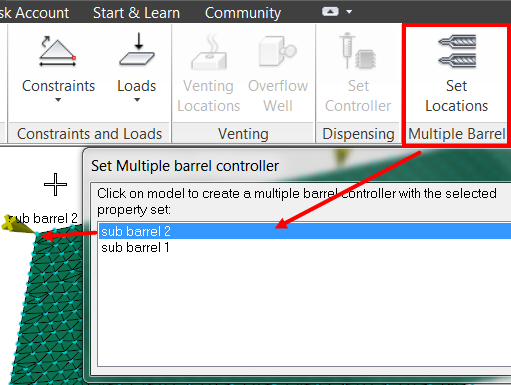
- Click New to create a new sub barrel, or select one from the list of existing sub barrels.
- Click on your model, where you want the sub barrel injection location to be.
Tip: You can assign a sub barrel controller to nodes on any beam, triangle, or tetrahedral element with the property runner, gate, or part. You cannot assign sub barrel controllers to the nodes on elements with other properties such as cooling channels.
The shape of a sub barrel controller glyph is slightly different from the master barrel glyph. The name of the sub-barrel is included for easy identification.
- Click