When the automatic assignment of preconditioning data is not appropriate, select specific elements and apply different thermal boundary conditions to them.
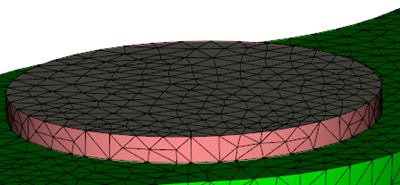
- Select the elements to which you want to assign local thermal boundary conditions.
- Right click, and select Properties from the drop-down menu.
- Select Compression elements (3D) from the properties list, then click OK.
- In the drop-down menu associated with Preconditioning analysis data (compression molding), select Specified.
- Click Edit, and enter the required data.
- Click OK several times, to close all the dialogs.