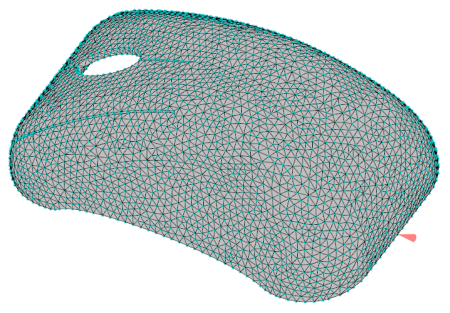
In this task, you create a project and import the part to be used for this tutorial.
 Download the files for this tutorial from
Autodesk Knowledge Network -
New User Quick Start tutorial.
Download the files for this tutorial from
Autodesk Knowledge Network -
New User Quick Start tutorial.
Create the project
- Click
 .
.
- On the new project dialog box, enter the project name Quick Start Packing Analysis then click OK.
Import the part
-
Click
 ().
().
-
Navigate to the location where you saved the tutorial file.
-
Select the file mousecover_meshed.sdy and click Open.