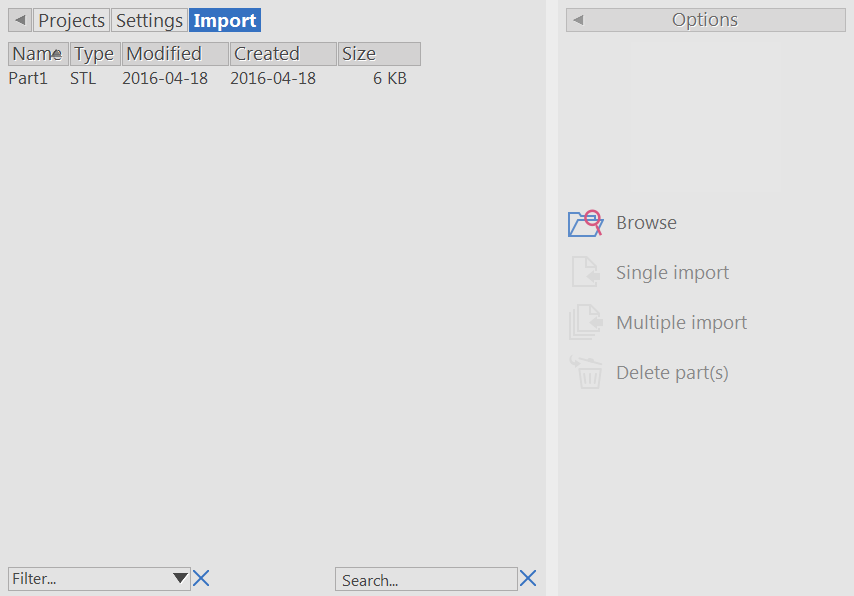
Use the Import tab to select the models you want to manufacture with the project.
- Select Queue in the Main toolbar to display the Queue page.
- In the Projects tab, select the project you want to work with.
- Click the Import tab. The tab lists all the models in the\Documents\Netfabb\imports folder.
- Select the models you want to manufacture from the list.
Alternatively, to select models from another location, click Browse and choose the model files in the Select file to import dialog box.
The selected models are displayed in the Graphics window.
Note: To list models in the Import tab, copy the model files into the \Documents\Netfabb\imports folder. - Click:
- Single Import to create one part from all selected files.
- Multiple Import to create a part from each selected file.
To remove a part from the project, select it in the Graphics window and click Delete part(s). To select multiple parts, press the Shift key while you click the parts.