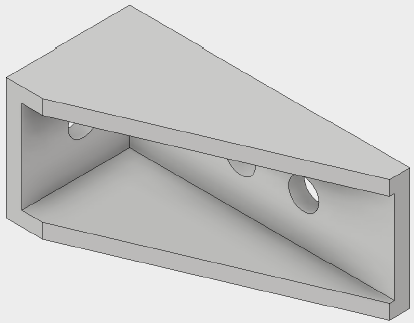
We’ll start by opening the bracket model, and entering the Nastran In-CAD environment.
- With Inventor open, click .
- Navigate to the directory where the file
iLogic_fitting.ipt is saved and click Open (C:\Users\Public\Public Documents\Autodesk\Nastran In-CAD 2019\Tutorial\en-us\Inventor\Inventor 2019).
- Switch to the Environments tab on the Ribbon.
- Click Autodesk Nastran In-CAD.