Now we are ready to save the rule and run it.
- Click Save and then click Close to exit the Edit Rule dialog.
- Switch to the Autodesk Nastran Model tree browser, and under Model tree, delete Solid 1 Idealization and the Generic material.
- Switch back to the iLogic browser, right-click in the white space of the browser and choose Run All Rules.
- If you receive a warning about multiple idealizations, click OK.
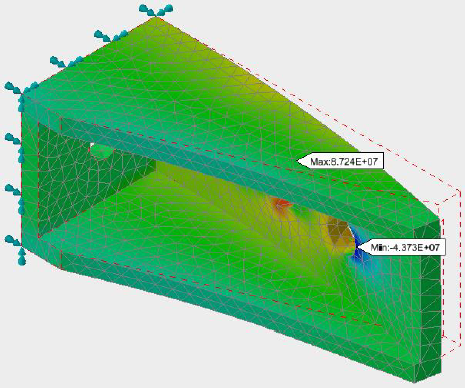
- When the solution is complete, click
OK to view the contour plot.