- In the tree view, right-click on Constraints under Subcase 1 and choose New.
- Rename the constraint to Outer Face Fixed.
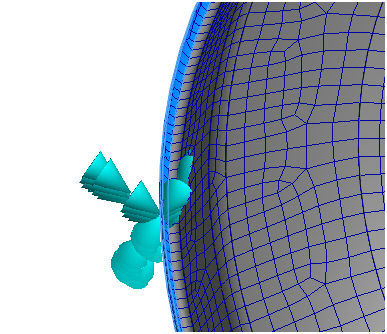
- Orient the model inside Autodesk Nastran In-CAD so that you can clearly view and pick the outer most upper face.
- Be sure that
Subcase 1 is selected in the
Subcases list.
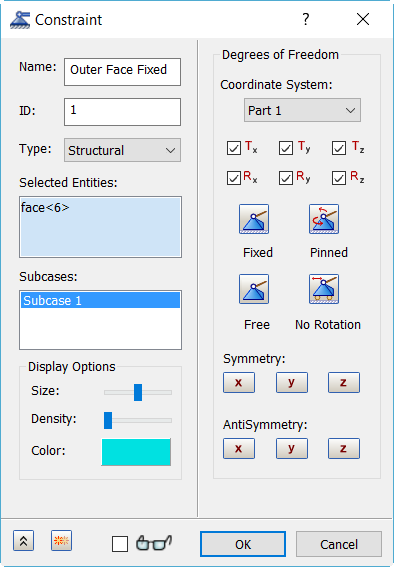
- Accept the default settings and click OK to create a fixed constraint.