- In the tree view, right-click on
Analysis 1 and choose
Edit.
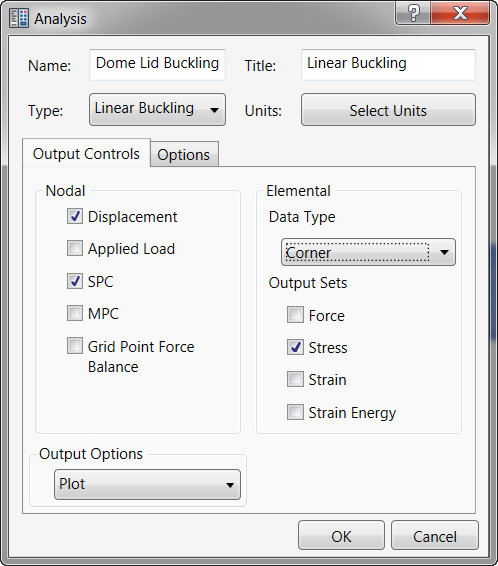
- Type Dome Lid Buckling for Name, and type Linear Buckling for Title. Select Linear Buckling from the Type drop-down menu.
- Click the Options tab, and then enter 3 for the Number of Modes to be extracted. This will instruct Autodesk Nastran to calculate the first 3 eigenvalues.
- Click OK to return to the tree view.
- Save the model at this point.