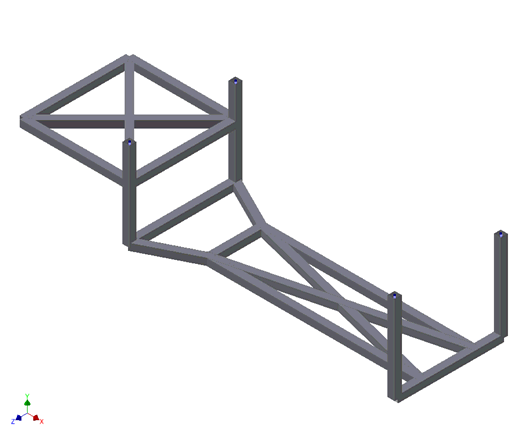
- Right-click on Mesh Model and choose Edit.
- Enter
4 for the
Element Size and change the
Element Order to
Linear.
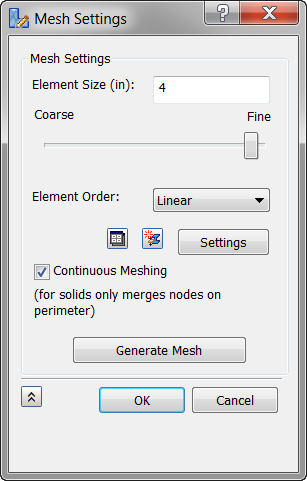
- Click Generate Mesh to mesh the geometry and then click OK.
- In the Part tree, right-click
Elements and select
Display Cross Section to view the defined cross section.