- Right-click on
Loads under
Subcase 1 and choose
New.
- Change the
Name to
Pressure.
- Change the
Type drop-down to
Pressure. Type
-1 for
Magnitude under
Load Definition.
- Be sure that
Subcase 1 is selected in the
Subcases list.
- Select all the upper faces in the model, either individually, or by using a box pick method.
- The
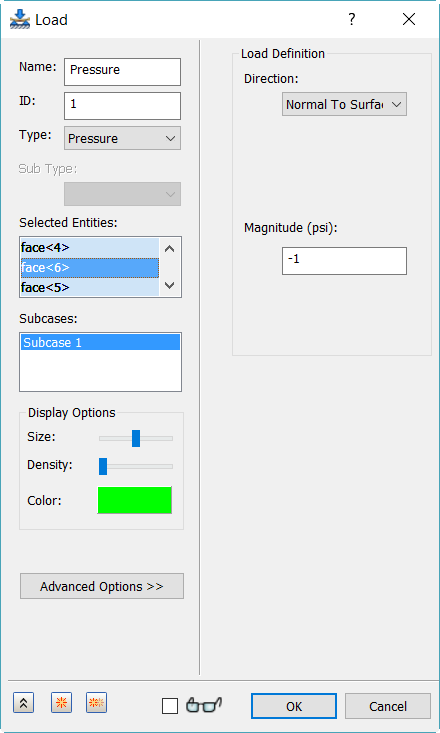
Load dialog should look as shown below.
- Click
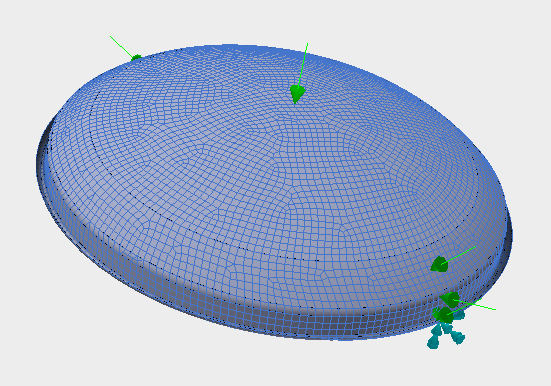
OK. The model should look as shown below.
- In the
Part tree, right-click on
Subcase 1, select
Rename and type in
Linear Buckling Case.
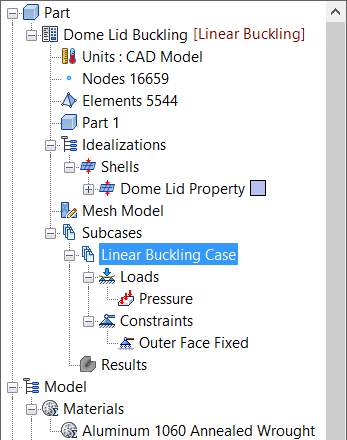
- Once finished, the tree view should look as shown below.