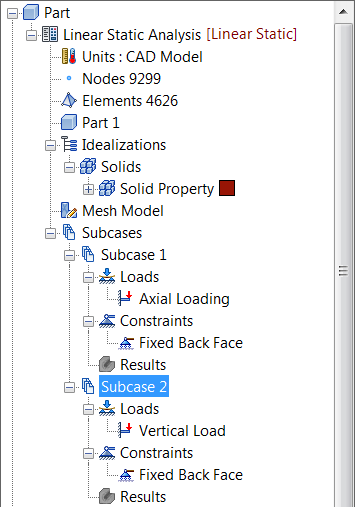
- Delete the results from the previous run by right-clicking on
Results and selecting
Delete All.
- Right-click
Linear Static Analysis
 New
Subcase, and click
OK.
New
Subcase, and click
OK.
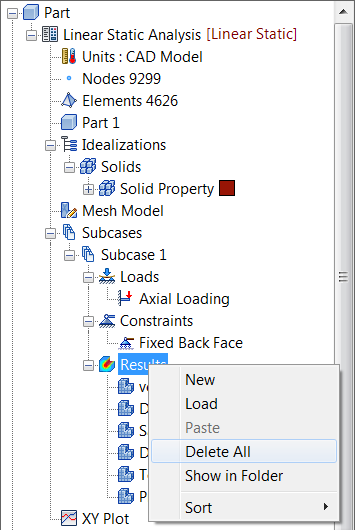
The new subcase is added to the tree.
- Under the new subcase, right-click on Loads and select New.
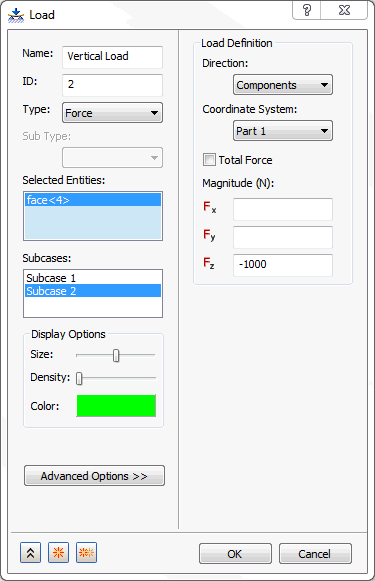
- Change the
Name to
Vertical Load. Select the same hole that was used for the previous load and make sure that
Subcase 2 is selected in the
Subcases list. Under
Load Definition type
-1000 in the
Fz field and click
OK.
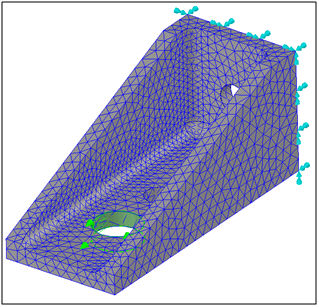
- The new load and the previous fixed constraint will be used in the second subcase.
- Right-click on Subcase 2 and choose Edit.
- In the
Subcase form select
Vertical Load in
Loads and
Fixed Back Face in
Constraints, click
OK.
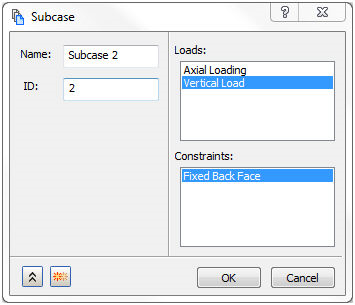
- The new subcase is configured as shown below.