About Registration
The process of combining multiple scans into a single point cloud.
Registration begins automatically in ReCap Pro for mobile as soon as two or more scans are available in a project. As more scans are received, automatic registration continues.
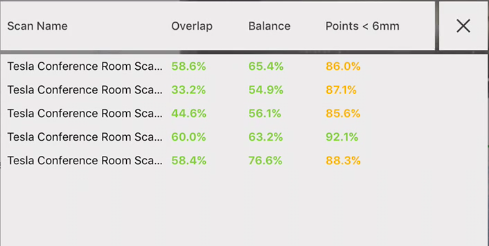
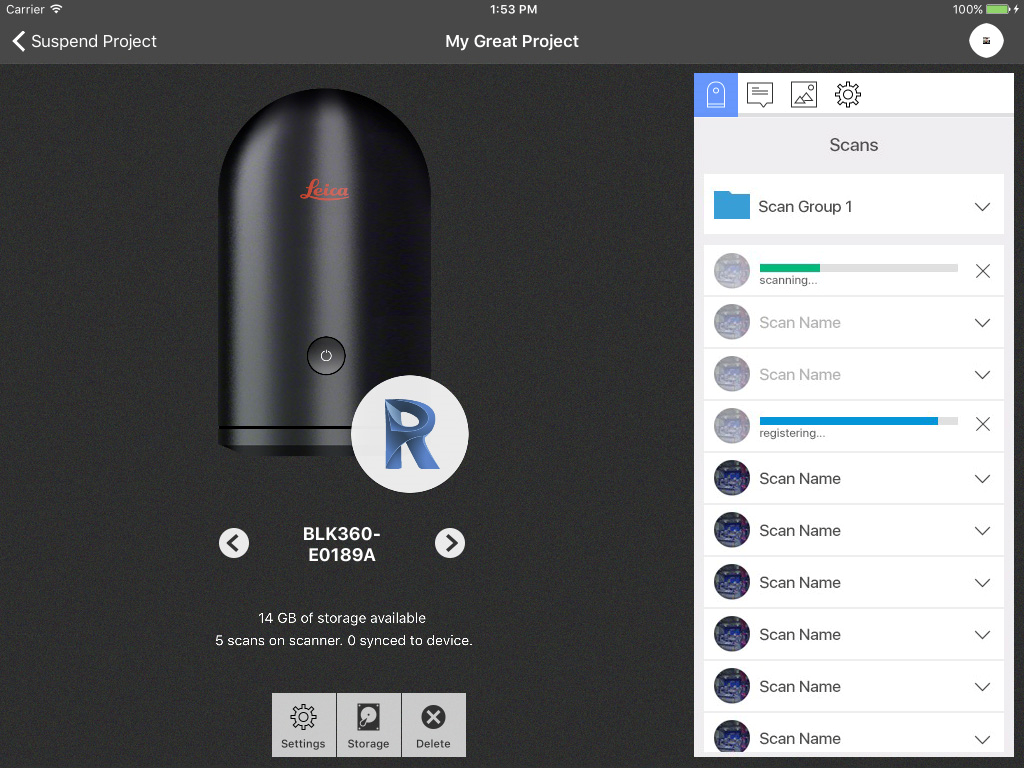 A registration report is available from the Report button in the Scans list. The report will update in real time as additional scans are added to the project.
 If a problem arises, and the system is unable to clearly match the data, you are prompted to review registration results. You can opt to merge the scan with the other data, or manually register the scan to attempt to improve results.
Manual registration
When in manual registration you are presented with a split screen view with data that has already been registered on the top, and the new scan on the bottom.
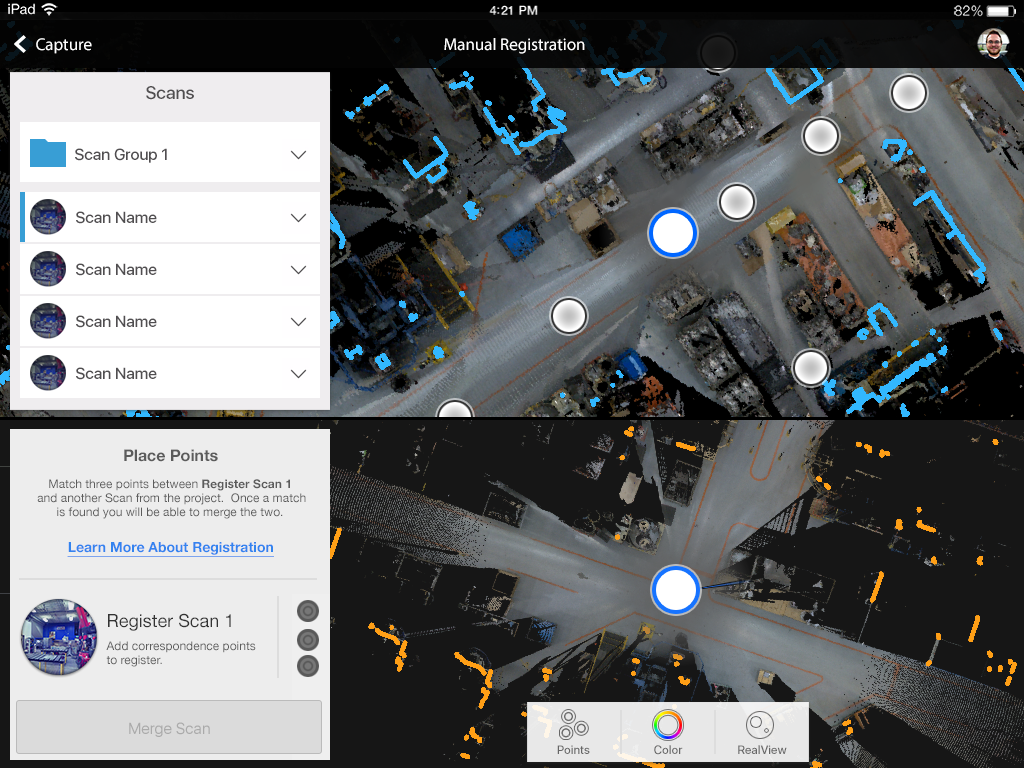 To manually register, place three points in the new scan, and the same three points in a single scan from the registered data.
Results are displayed once all points have been placed. When you are satisfied, tap the Merge Scan button to confirm the manual registration results.