Result Parts are ideal for quickly determining the temperature of a selected part. To compare results from several parts, make them Summary Parts, and view their results in the Critical Values tab of the Output bar.
In this step, we compare the temperature of the two medium chips.
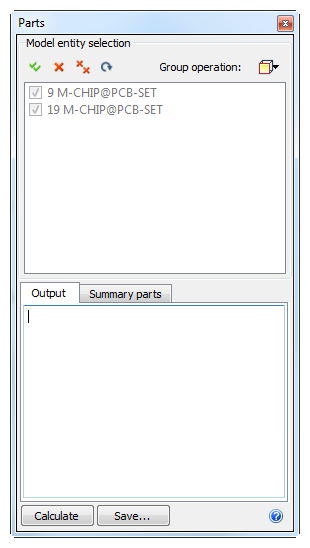
Click Parts from the Results tab:

Click the Group operation button, and select the Medium Chips group.
To designate these parts as Summary Parts, check the box adjacent to each in the Model entity selection area.
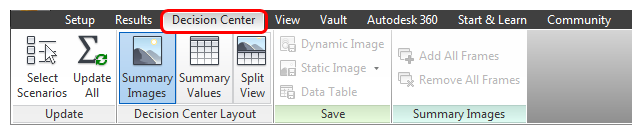
To start comparing results, click the Decision Center tab:
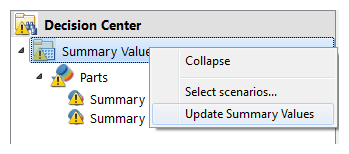
In the Decision Center, right click on Summary Values, and click Update summary values.
View the results table in the Critical Values tab of the Output bar
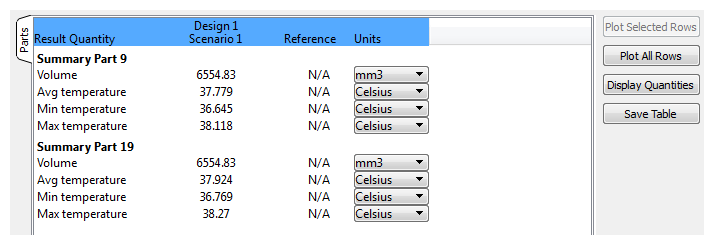
Note: This procedure provides the results in a simple table. It is now easy to compare and plot the results between the two chips. Use this technique to compare results from multiple designs and scenarios.
Congratulations! You have completed the exercise. Click here to return to the Tutorials Title Page.