Hide the pipe wall.
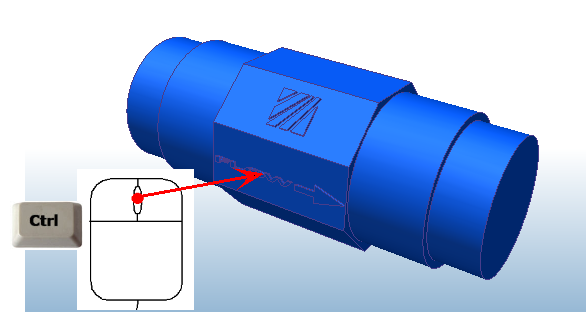
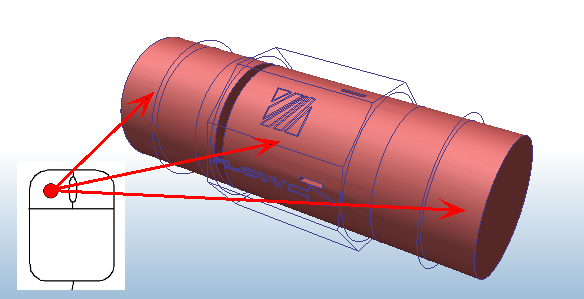
Select the caps and the flow volume.
Open the Materials quick edit dialog in ONE of the following ways:
- Click Edit from the toolbar:
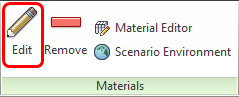
- Click Edit from the Materials context panel:
On the Material quick edit dialog, Type = Fluid
Name = Water
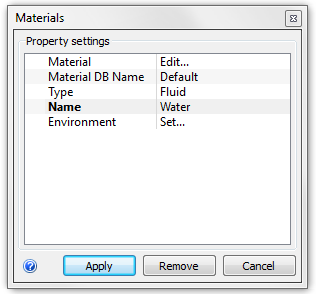
To allow the density to vary, click Set... on the Environment line. On the Material Environment dialog, select Variable, and click OK.
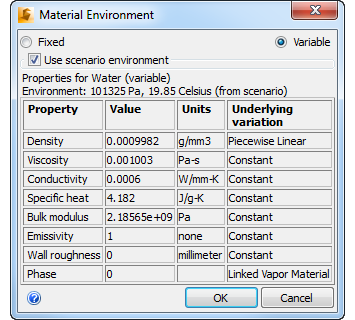
Click Apply.
Note: This is not a buoyancy analysis, but allowing the density to vary will make the solution more stable.