If you started Copy Design from the Start Menu, you can log out of the Autodesk Data Management Server when you are done working in a vault or need to log into a different vault.
Note: This feature is available in the Copy Design stand-alone application.
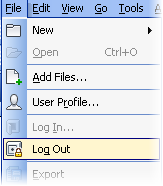
- Select .
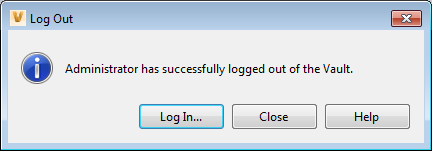
- In the Log Out Was Successful dialog box:
- Click Close.
- Click Log In to log back into Autodesk data management server.